File Manager
Section for managing additional files uploaded to the Platon Platform
File Manager
Through the File Manager in the Platon platform, a developer can add images or videos to the website or various projects they are creating. To open the File Manager functionality, navigate to the File Manager section in the Platon platform's navigation list.
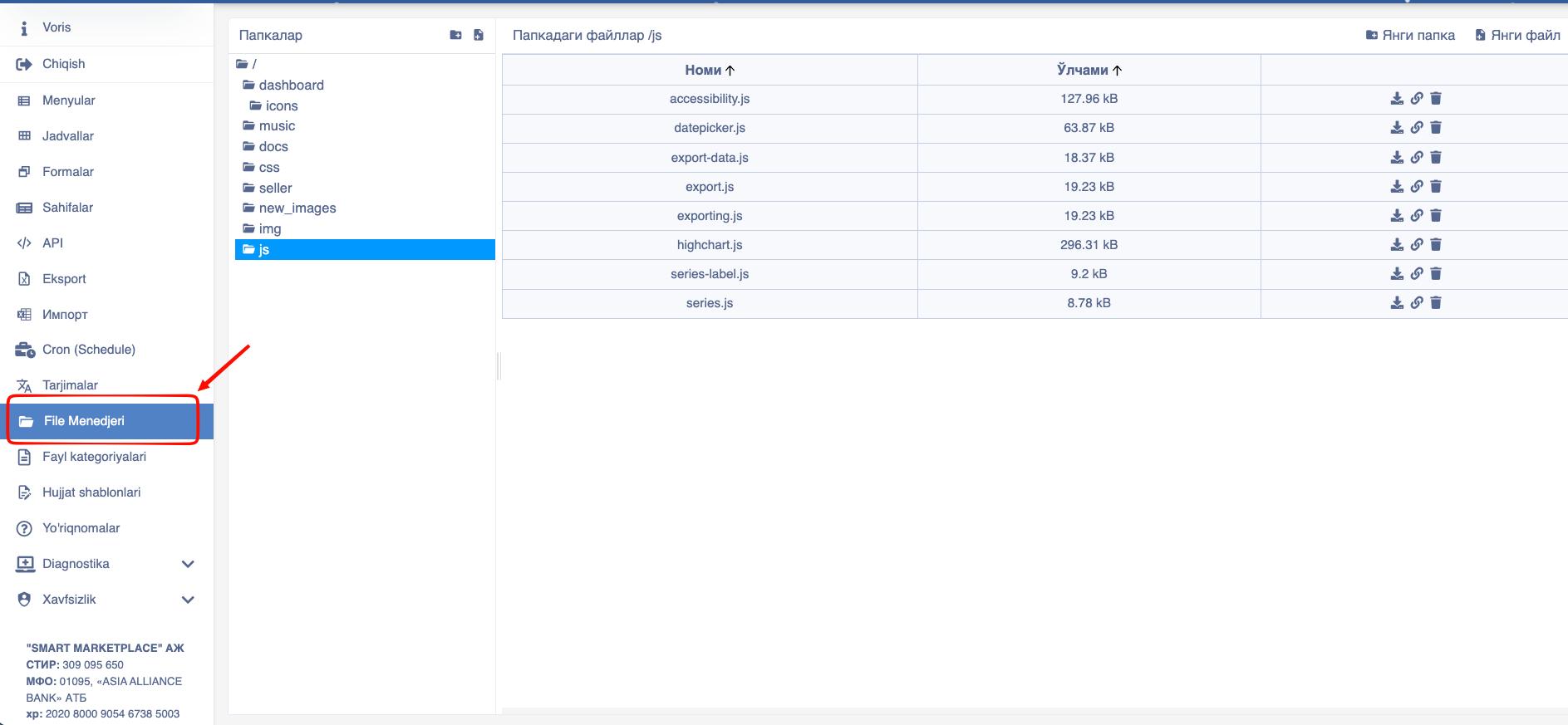
After entering here, the following information will appear on the screen.
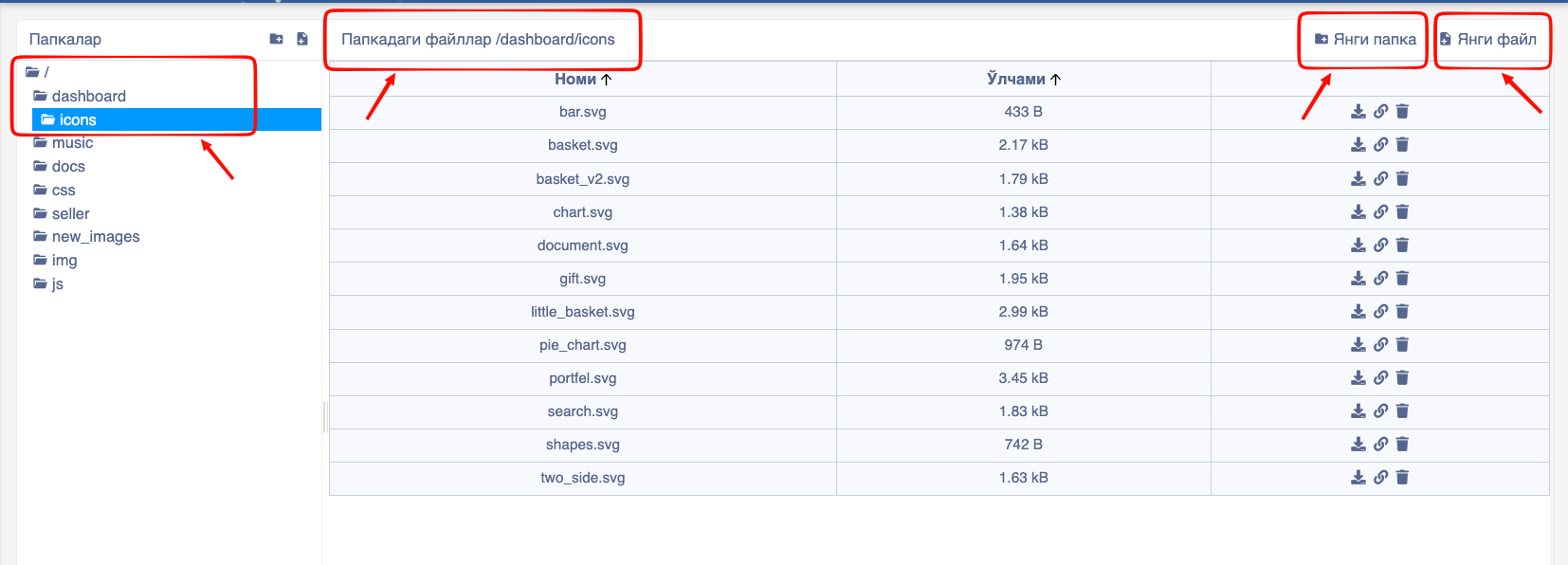
The File Manager consists of the following cells:
- Folders - After pressing the Folders button, the number of files appears on the left side of the screen.
- Files in folder - The function of files in folder is to display the data inside the added folders.
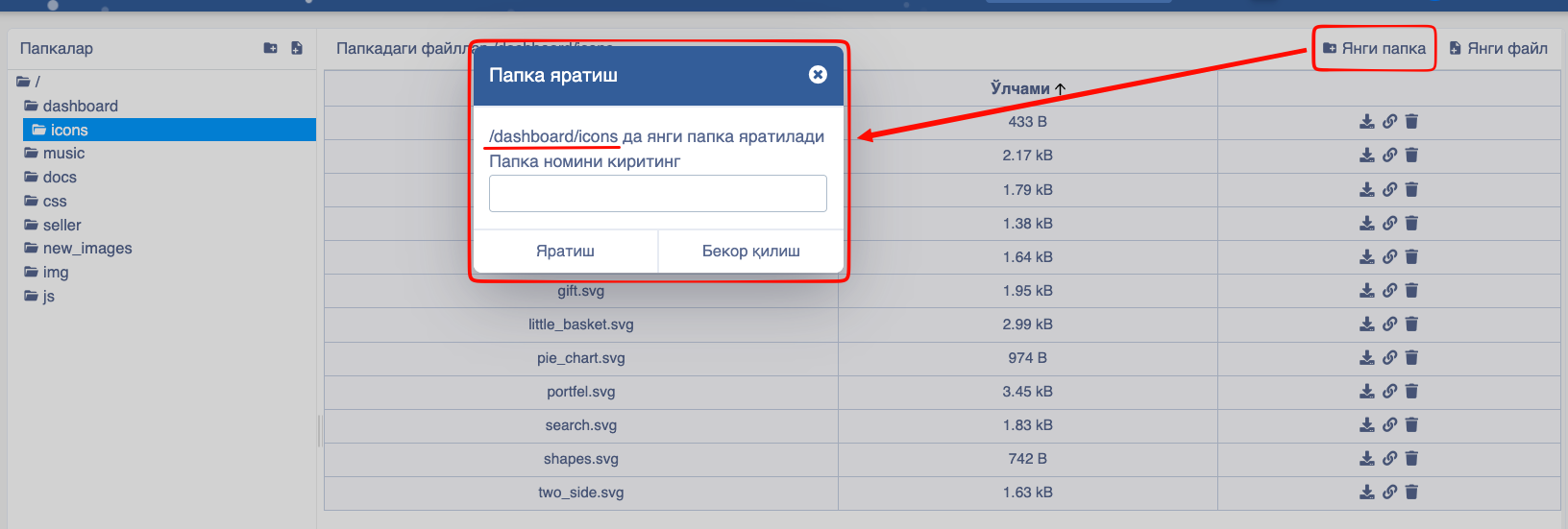
- New folder - When the New folder button is pressed, a button to enter the folder name appears on the screen.
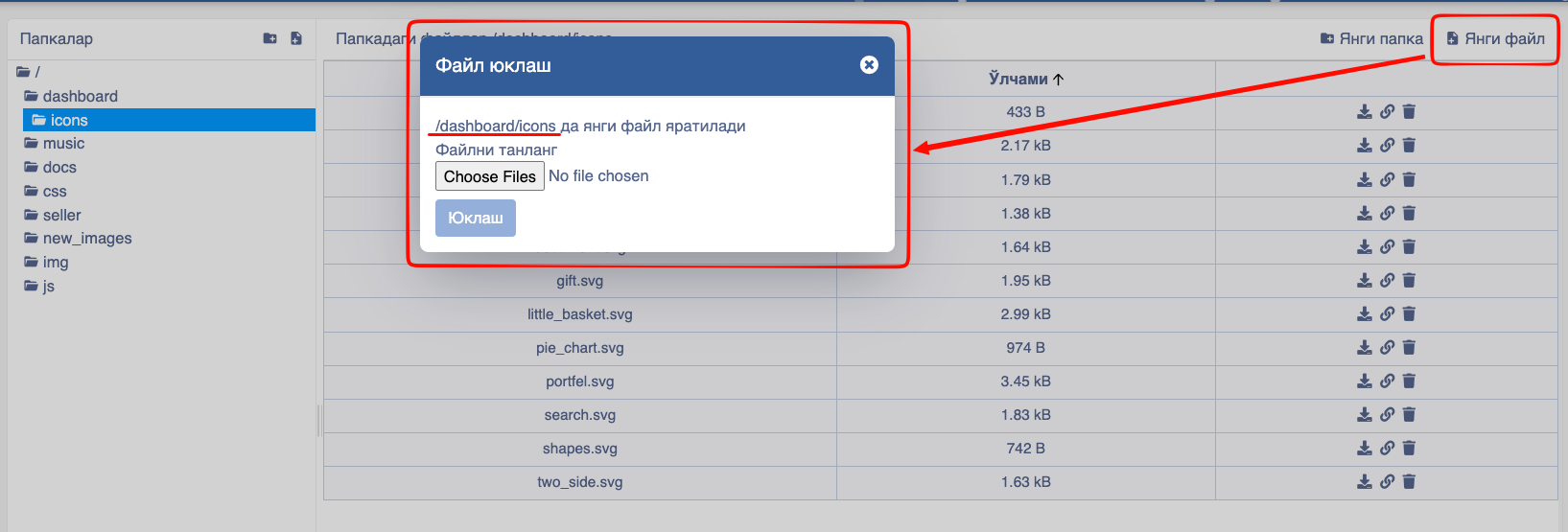
- New file - When the new file button is pressed, a button to place the required file appears on the screen.